

Fake Comment Generators
Make a fake comment or comment sticker for a reply video, a meme or a client mockup — then export it as a transparent PNG that drops straight onto your footage.
Every Comment Generator
What a Comment Generator Is For
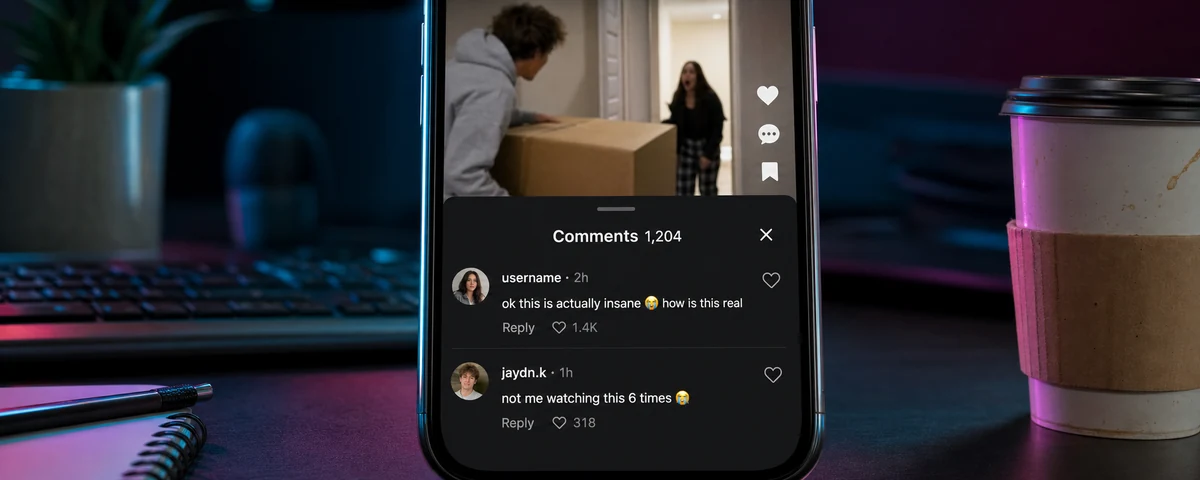
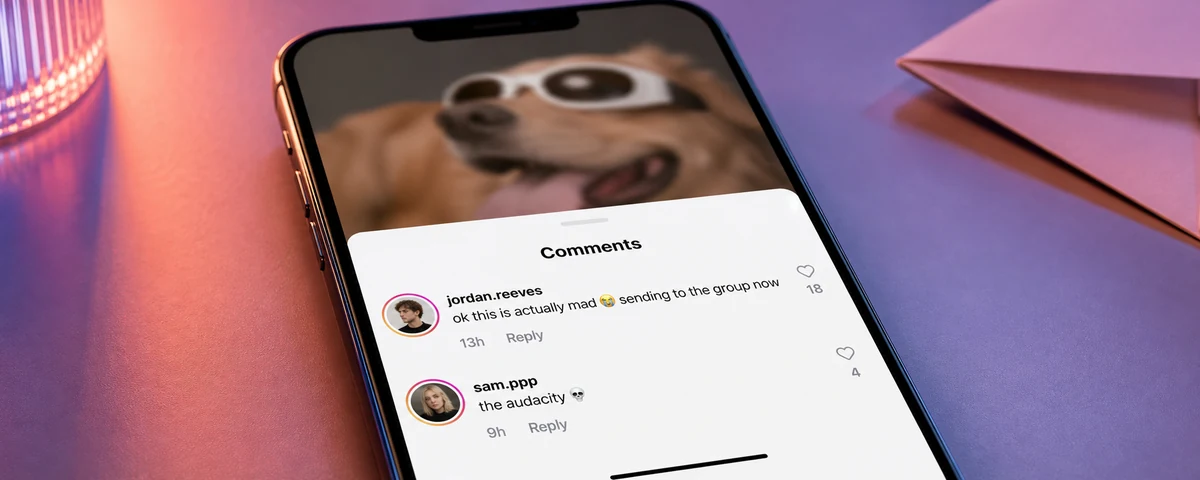
A comment generator makes one thing: a realistic social comment as an image. Not text you paste, not a screenshot you have to crop out of the app — a comment card you can put on top of a video, into a deck, or straight into a post. That image is what an entire content format runs on. A creator exports a comment, drops it over their footage, and talks back to it for sixty seconds.
The two things that decide whether it works are the same on every platform. First, the comment row has to match the current app — the avatar, the badge, the relative timestamp, the like heart and its count, the reply rows. Get one wrong and it reads as fake immediately. Second, it has to export with a transparent background, because a comment sitting in a white box cannot be laid over a video. Tools that only export a solid rectangle are unusable for the format.
Comment Stickers for Reels, Shorts and TikTok Reply Videos
The built-in reply stickers on Instagram and TikTok only work on a real comment left on your own post. If the comment does not exist yet, was left somewhere else, was deleted, or you are scripting the video before any comment arrives, the native sticker is no help. A comment sticker exported here is just an image, so it works in CapCut, Premiere, Final Cut, Canva or the in-app editors, on any platform, for any comment you can write.
Mockups, Templates and Client Work
The other half of the audience never makes a video. Social media managers, agencies and UGC creators use these as comment mockups — showing a client what engagement will look like on a campaign that has not launched, or building the social proof panel of an ad before the post has any real comments. Because every field is editable, each tool doubles as a reusable comment template: set the look once, then swap the username and text for each variation.
Which Comment Generator Do You Need?
- Fake TikTok Comment Generator — TikTok comments — transparent PNG overlay.
- Fake Instagram Comment Generator — IG comments + replies — transparent PNG overlay.
More comment tools are in build — YouTube, Facebook and X replies among them. Every screenshot tool on the site is listed on the full generators directory.
How to Tell if a Comment Screenshot Is Fake
Worth knowing whichever side of it you are on. Staged comment screenshots usually give themselves away on the details, not the wording: a timestamp that does not fit the age of the post, a reply with more likes than the comment above it, a verified badge on an account that should not have one, font weight and row spacing that drift from the real app, or a crop tight enough to hide everything around it. The only conclusive check is to open the post and look for the comment.
None of that is a reason to avoid comment cards in content — the reply-video format is well understood and nobody watching one believes they are reading live engagement. It matters when a screenshot is presented as proof of something a real person said.
For mock-up, joke, parody, entertainment and educational purposes only. These are simulation tools for creating clearly fictional comments — for content creation, client mockups, memes and classroom use. Pranksters.com is not affiliated with, endorsed by or sponsored by Instagram, Meta Platforms, Inc., TikTok or ByteDance, and all trademarks, logos and interface elements belong to their respective owners. Do not use generated images to deceive, defame, harass or harm anyone, or pass them off as genuine.