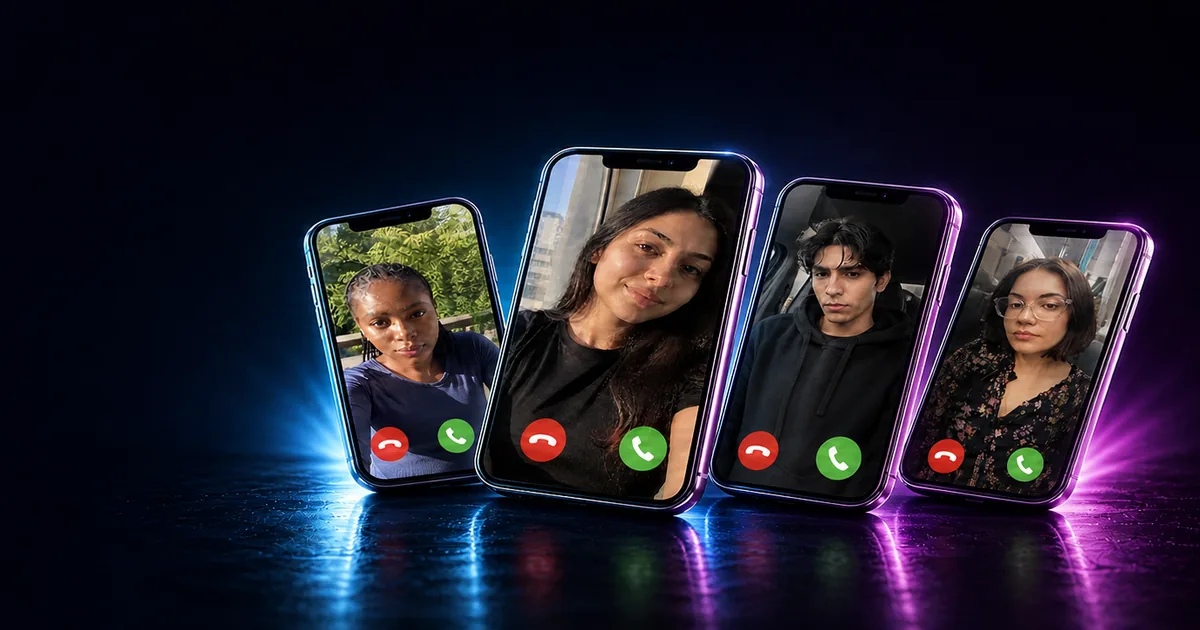
A fake call prank is a realistic incoming-call screen you trigger on your own phone. Nobody is dialled, nothing is spoofed, and no number is contacted. You choose who's "calling" — the police, Santa, your boss, an ex — set a delay, put the phone down, and it rings for real. It is the harmless cousin of the prank call, and it is the fake phone call that gets you out of a bad date, a dead meeting or a conversation that will not end.
This guide covers what a fake call prank is, the best fake call ideas by caller and by situation, how to set up a fake phone call on iPhone or Android in under a minute, and how to make it convincing. Everything here runs on our Fake Call tool in the browser — no fake call app to install.
What Is a Fake Call Prank?
A fake call prank draws a convincing incoming call on the screen of the phone you are holding. The caller name, the number label, the wallpaper, the ringtone and the vibration are all real-looking, but the call itself is a picture: the phone never places or receives anything. That is the whole difference between a fake call and a prank call. A prank call dials a real person. A fake phone call happens to you, on your phone, and the only person being fooled is whoever is watching you answer it.
That makes a fake incoming call the safest phone prank there is. There is no spoofed caller ID, no unwanted call to a stranger and no recording of anyone — the three things that turn a joke into a problem (see is prank calling illegal?).
Fake Call Prank Ideas, by Caller
The caller is the joke. Pick the name that makes the person watching react.
- Fake call from the police. "Police — non-emergency" on the screen, a 30-second delay, and let someone see you answer with a straight face. The most searched fake call there is, and the one that gets the biggest reaction from a car full of mates.
- Fake call from Santa. For kids, this one is magic rather than a prank. Our Call Santa page does it properly — Santa rings, picks up and actually talks. For the grown-ups, a fake call with Santa in July is its own joke.
- Fake call from your boss. Weekend, sunbed, "Work — Emergency" flashing on the screen. Watch everyone's face fall on your behalf.
- Fake call from mom. Set "Mom" and let it ring during dinner at your partner's parents'. Pick up, say "I'm at their house," pause, "no, the OTHER one."
- Fake call from your girlfriend or boyfriend. Name it after a person the room does not know. Let the questions start. Answer none of them.
- Fake call from the ex. "Ex (Blocked?)" on the screen, decline it dramatically, then let it ring again five minutes later.
- No Caller ID. Nothing on the screen but "No Caller ID" and a ringtone. Answer, listen, say "I understand," and hang up. Explain nothing.
- Unknown number, the same one, three times. Set a short delay, decline, set it again. By the third ring the whole room wants to know who it is.
- The delivery driver. "DPD Driver" calling while your friend is mid-story. "He's outside — I'll be two minutes." You do not come back for ten.
- The vet. "Vet — Urgent" gets you out of anything, and nobody asks a follow-up question.
- A celebrity. Type any name you like. A fake phone call from a footballer or a pop star, screen turned just enough for the table to see it, then "sorry, I have to take this."
- Your own name. A fake call from yourself, on your own phone, is the one that breaks people. Leave it ringing.
- The school. "St. Mary's Primary" on a Tuesday afternoon. The best fake call prank on a parent who is trying to relax.
- The landlord. Ring it during a house party. Turn the music down before you answer.
- Fake call in the group chat. Screen-record the fake incoming call ringing and drop the video in the group with "who gave the police my number."
Fake Call Prank Ideas, by Situation
Sometimes the caller does not matter; the timing does. These are the fake call uses people come back for.
- The excuse call on a bad date. Set a five-minute delay before you sit down. If the date is fine, decline it. If it is not, "I'm so sorry, I have to go — family thing."
- Escape a meeting. Five or ten minutes in, a fake phone call from "Work — Emergency" or the school. Nobody stops someone leaving a meeting for the school.
- Leave a party early. The fake call from the babysitter. Works at any hour, on any host.
- End a conversation that will not end. One-minute delay. Answer, walk off talking.
- A meeting you cannot skip but can shorten. The fake incoming call on the table, screen up, unanswered. Meetings get faster when a phone is visibly ringing.
- The classroom or the office desk. A silent fake call with vibrate on: the phone buzzes across the desk with "Prime Minister" on the screen. The laugh is in the name, not the ring.
- A safety check-in. A well-timed fake call is a classic way to give yourself a reason to leave somewhere that does not feel right. Set it before you arrive.
- The fake call prank on a friend's phone. Set it up on their phone with a 60-second delay, hand it back, and wait. A fake call from the police on someone else's phone is a different level.
- The sleeping friend. Full volume, "Mom", set to ring in ten seconds, placed next to their head.
- The video call that was never a call. Match the wallpaper to their actual lock screen, choose their phone style, and hand it over "because it's for you." The extra minute of setup is the difference between a prank and a prank.
How to Set Up a Fake Phone Call
The whole thing takes under a minute on the Fake Call page.
- Pick the caller. Tap a preset — Mom, Dad, The Boss, Unknown, No Caller ID, the Vet, Santa — or type any name and number label.
- Choose the phone. iPhone or Android. Match the phone you are holding: an Android call screen on an iPhone is the one detail that gives the game away.
- Set the wallpaper. Pick a call background from the templates or upload your own, then drag it into place and zoom. This is what makes a fake call look like a call and not a screenshot.
- Choose the ringtone. Classic, Marimba, the old telephone bell, Digital — and vibrate on or off. On silent, a phone that buzzes is the most convincing version of all.
- Set the delay. Now, five seconds, ten, thirty, a minute or five minutes. The delay is what makes the fake call arrive naturally instead of the second you put the phone down.
- Put the phone down. It rings, it buzzes, and you answer it — or decline it, if you are pretending the ex is calling again.
Fake call on iPhone: Safari, then add the page to your Home Screen. Opened from there the fake call runs with no address bar, the ringtone gets past the silent switch, and the screen will not dim while it waits.
Fake call on Android: Chrome, then "Add to Home screen" from the menu. Same result — a full-screen fake incoming call with nothing browser-shaped around it.
How to Make a Fake Call Look Real
- Match the phone style to the phone. iPhone screen on an iPhone, Android screen on an Android. Always.
- Use a caller who could plausibly ring. "Police" and "No Caller ID" work because they are believable. "Beyoncé" is a laugh, not a fake.
- Use a real-looking number label. "mobile", "work" or "home" reads as real; a made-up number does not.
- Let it ring. Nobody answers on the first ring. Let it go two or three times, look at it, sigh, then pick up.
- Answer with something small. "Yeah?" — then a pause — then "OK, I'll come now." Long invented conversations fall apart. Short ones do not.
- Use vibrate. A phone rattling on a hard table sells a fake phone call better than any ringtone.
- Turn the volume up first. The number-one reason a fake call "doesn't work" is a phone on silent with vibrate off.
Fake Call vs Prank Call vs Spoof Call
These get searched together and they are not the same thing.
- A fake call happens on your own phone and involves nobody else. It is a screen, not a call.
- A prank call dials a real person. Funny between friends, and it needs the friend to find it funny — the rules are in is prank calling illegal?
- A spoof call changes the caller ID a real person sees. That is the one that crosses lines: in the UK, the US and most of Europe, faking caller ID to deceive or cause harm is an offence, and the "fake caller ID" apps that sell it are the ones that get people into trouble.
If what you want is the reaction on the face of the person next to you, a fake call gives you that with none of the risk of the other two. If it is a real prank call you are after, our prank call ideas list has 40 scripts, voices and one-liners that stay on the right side of the line.
Fake Call App or Fake Call Online?
A fake call app is one more thing to download, one more set of permissions and, in most of them, one more set of adverts before you get to the ring. A fake call online — in the browser, on the Fake Call page — does the same job with nothing to install, and it works the same on iPhone, Android and a tablet. Add it to your home screen once and it behaves like an app anyway.
Pair It With the Rest of the Prank
The fake call is the opener. Follow it with a fake text message from the same "caller", hand over a broken screen when they ask to see the phone, or send them to a prank page afterwards. The best fake call pranks are the ones where the phone keeps the story going.