Call Santa
Press call, the phone rings out, and Santa picks up and speaks to you. He even asks what you want for Christmas — and waits for your answer. Or have Santa ring you instead.
Free, because every kid should get the callTurn the volume up first — Santa speaks out loud.
How to call Santa
Tips for grown-ups
- Put it on speaker and hold the phone up so the whole room hears him.
- Santa leaves a short gap for an answer — give them a moment before you touch anything.
- Staging a surprise? Use Santa calls me on a 60-second delay and leave the phone on the table.
- Hang up any time with the red button, or press Esc.
- Doing it twice? Pick the other message so it is not word for word the same.
Or let Santa call you
Switch to Santa calls me, choose how long to wait, and put the phone down. It rings like any other incoming call, and answering plays Santa’s message. That is the one to use when you are setting up a surprise — leave the phone on the table and carry on as normal until it goes off.
Why it’s free
Nearly every other way to get a phone call from Santa is an app, and most of them charge for the message or bury it behind an upgrade. There is nothing to buy here, nothing to install and no account to make. A child hearing Santa say their family has been kind is worth more given away than sold.
Nothing is dialled, no number is contacted and no charges are possible — it is a call screen on the device you are holding, with a real recorded message from Santa. There is no microphone and nothing is recorded, so nothing about the call leaves the device.
More Christmas mischief
Once Santa has rung off, try a fake call from anyone else, leave a fake text message from the North Pole, or browse the full set of prank pages. New to all this? Start with what makes a good prank.
Calling Santa FAQ
Is calling Santa free?
Completely free, with no sign-up, no app and no limit on how many times you can call. Almost every other Santa call is a paid app or an in-app purchase — this one is a web page, and the message from Santa costs nothing.
Does Santa actually talk?
Yes. Press Call Santa, the phone rings out a few times, and Santa picks up and speaks to you. He also asks what you would like for Christmas and leaves a gap for you to answer out loud before he carries on — so hold the phone up, turn the volume up, and let them talk back to him.
Is this Santa's real phone number?
No, and nothing is dialled — no number is called and no charges are possible. It is a call screen on the device you are using, with a real recorded message from Santa. Several free Santa hotlines do exist if you want to ring an actual number; search for a current one, because those numbers change most years.
Can Santa call me instead?
Yes. Switch to "Santa calls you", pick how long to wait, then put the phone down. It rings like a normal incoming call, and answering plays Santa's message — which is the version to use if you are setting up a surprise.
Will it work on an iPhone or Android?
Both, in the browser, with nothing to install. If you hear no sound, check the phone is not on silent — older iPhones mute it from the side switch — and turn the volume up before you call.
Can I use it for the naughty list?
The messages here are the friendly kind, and that is deliberate. A call from Santa lands far better as a treat than as a threat, and a delighted child is the whole point.
Can Santa hear the answer?
No — and it is worth knowing before you hand the phone over. The message is a recording, so the gap after his question is simply a pause for a child to answer out loud. Santa cannot hear it, there is no microphone involved and nothing is recorded or sent anywhere.
Do you record anything?
No. There is no microphone, no recording and no account. Nothing about the call leaves the device, and there is nothing for us to store.
When can I use it?
Any time of year — it works in July as well as December. Santa is reportedly less busy in the summer.
More pranks to try
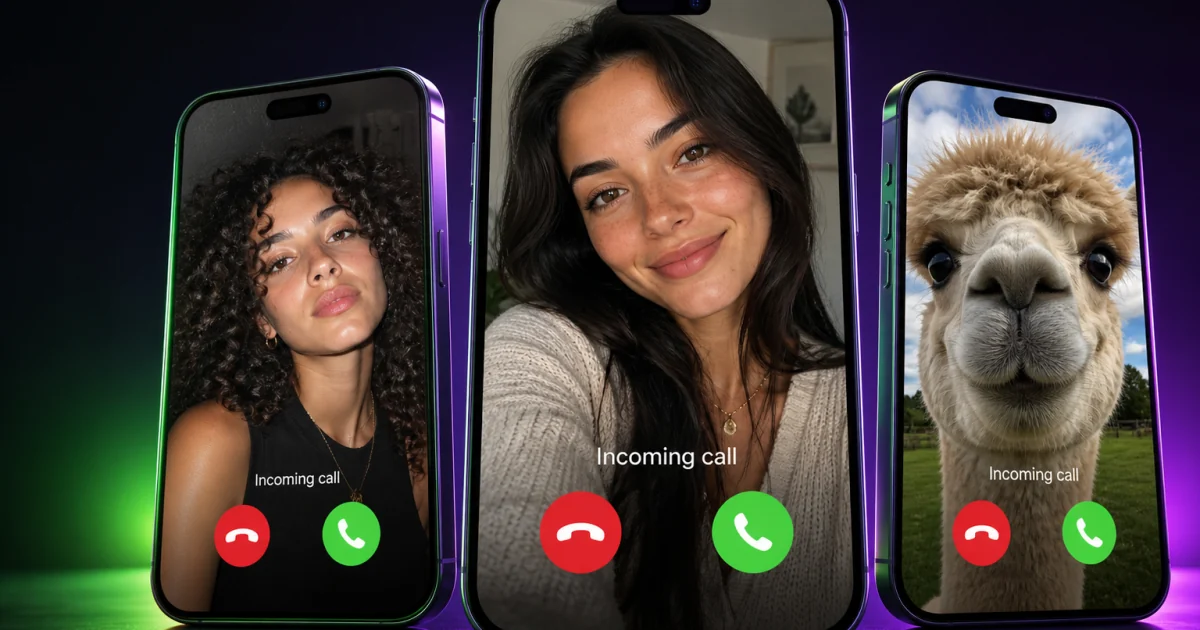
Fake Call
Open tool →
Broken Screen
Open tool →
Soundboard
Open tool →
Fart Sounds
Open tool →
Notification Sounds
Open tool →
Animal Sounds
Open tool →
Podcast Soundboard
Open tool →
Discord Soundboard
Open tool →
Dog Whistle
Open tool →
Meme Soundboard
Open tool →
Scary Sounds
Open tool →