
What You Can Make Here
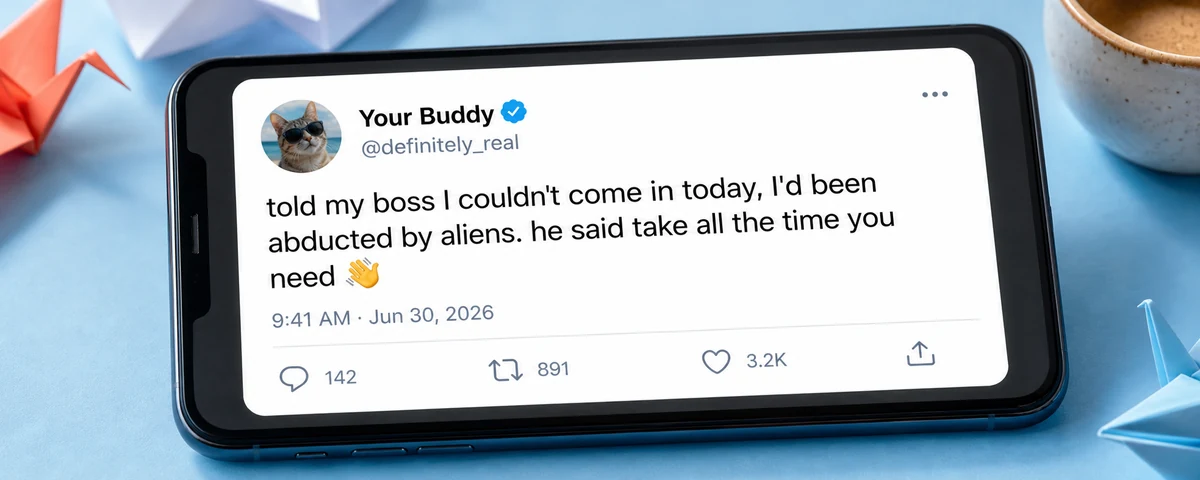
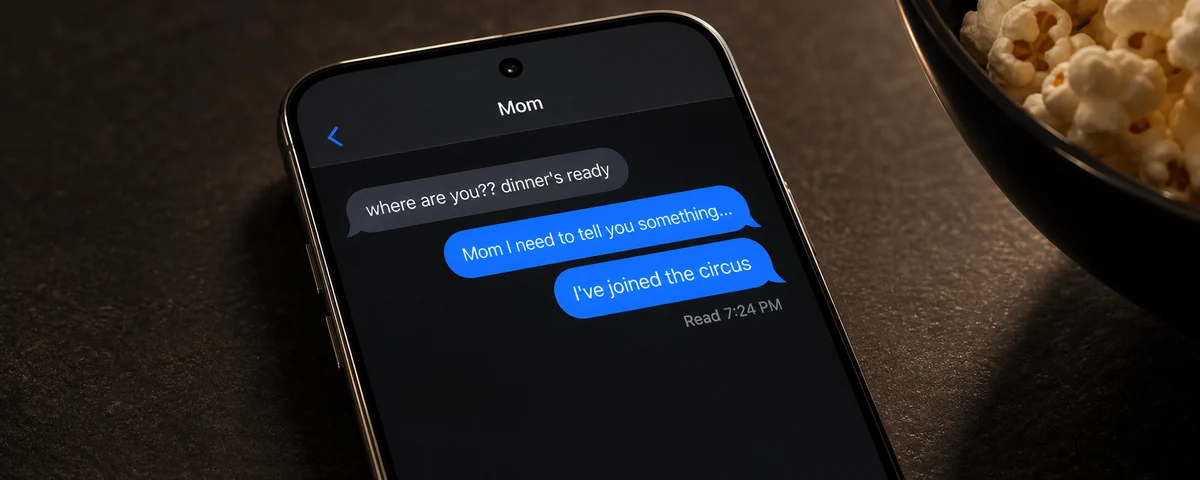
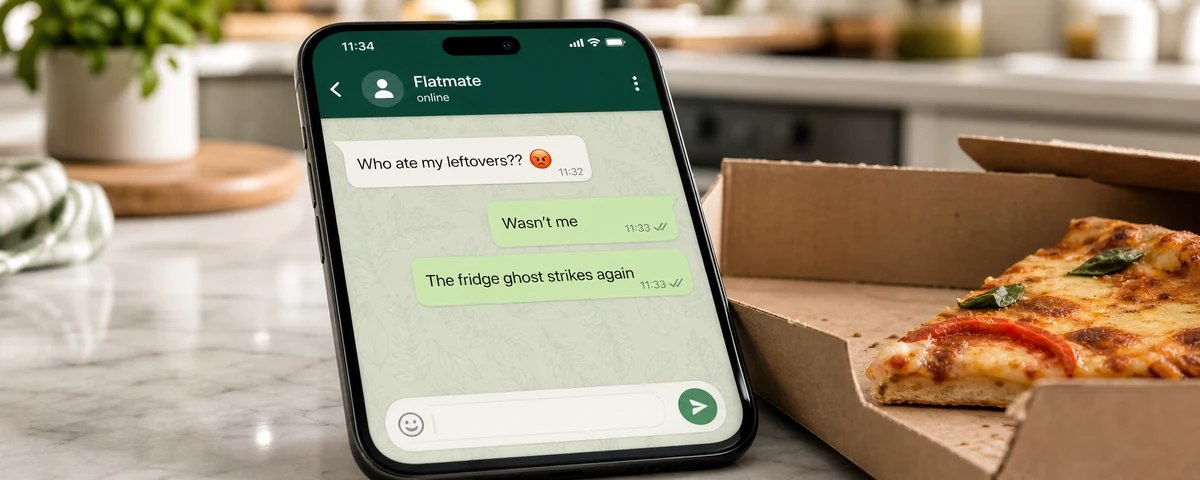
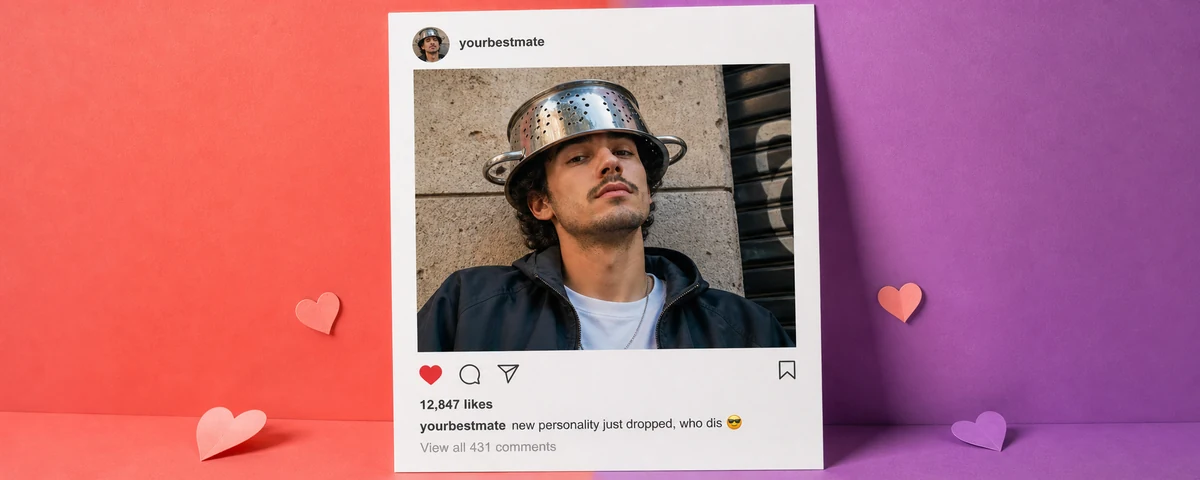
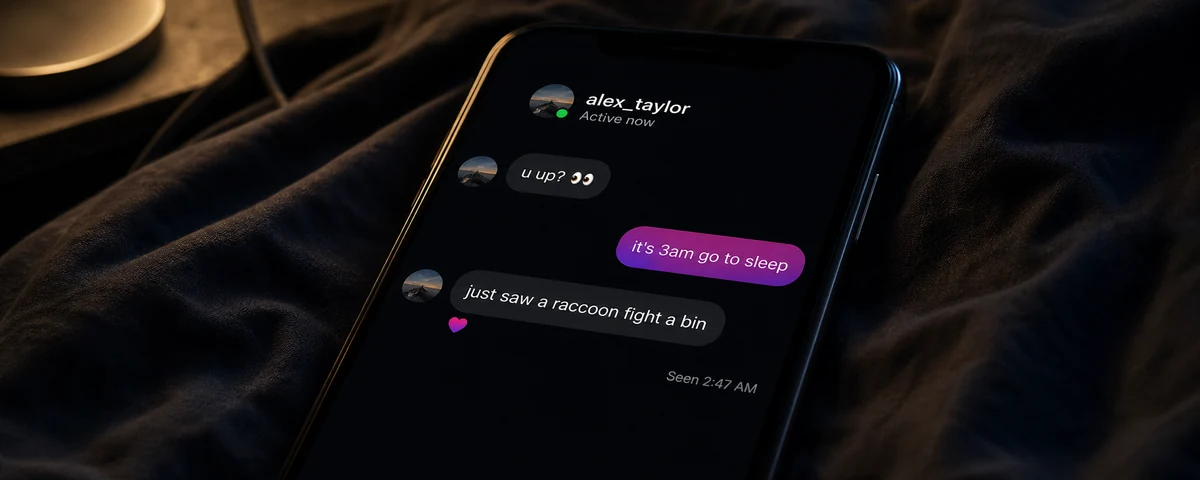
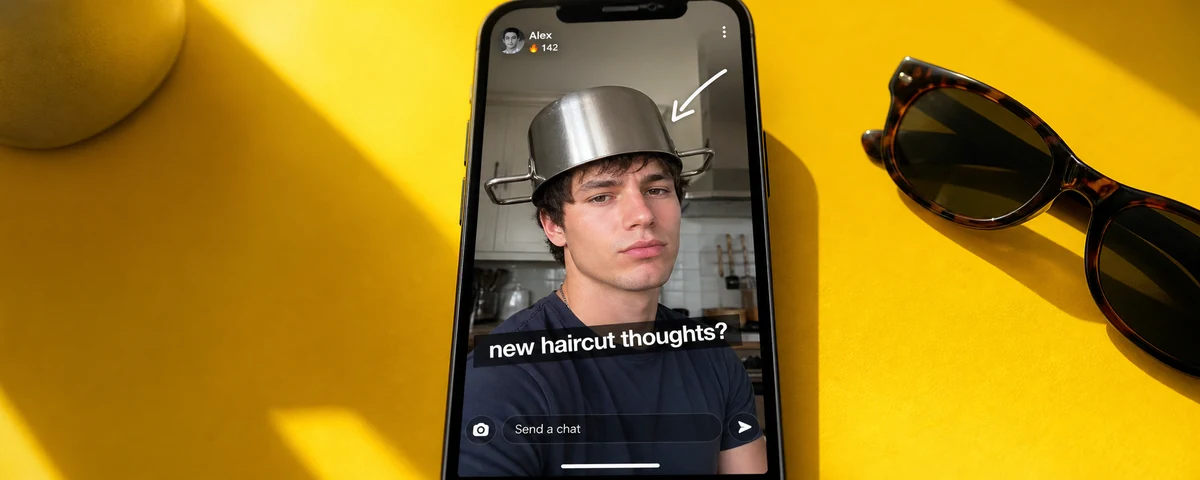
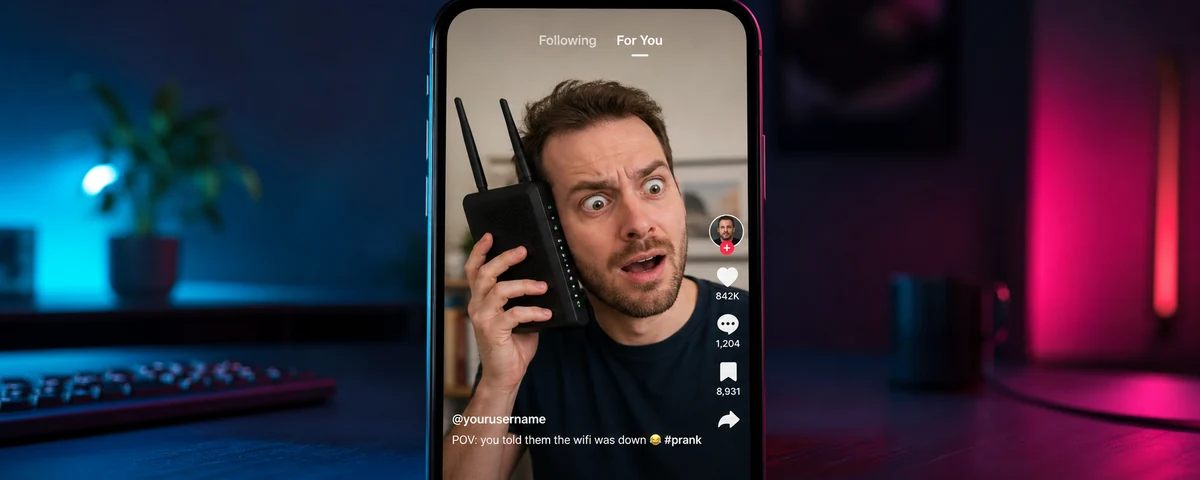
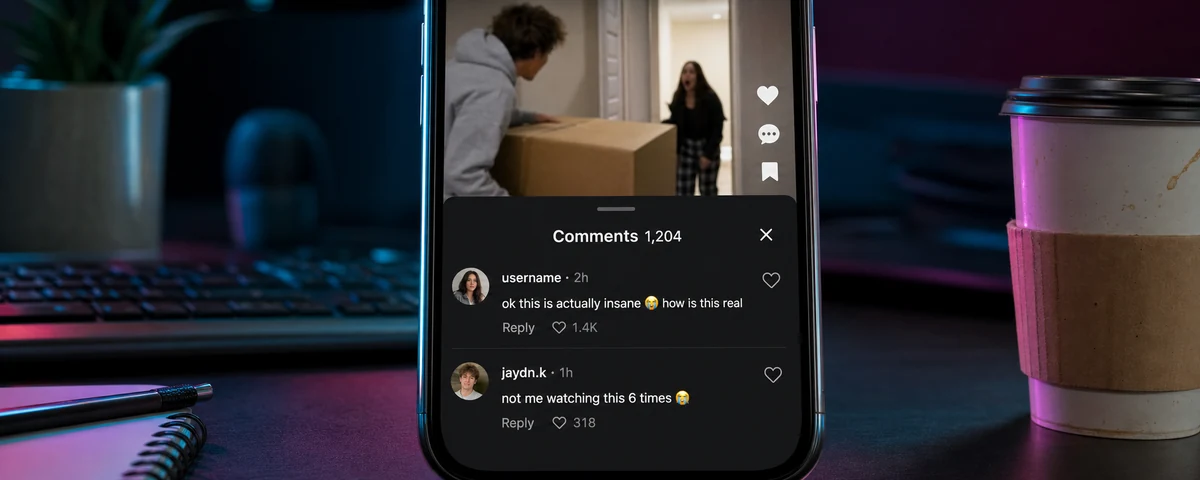
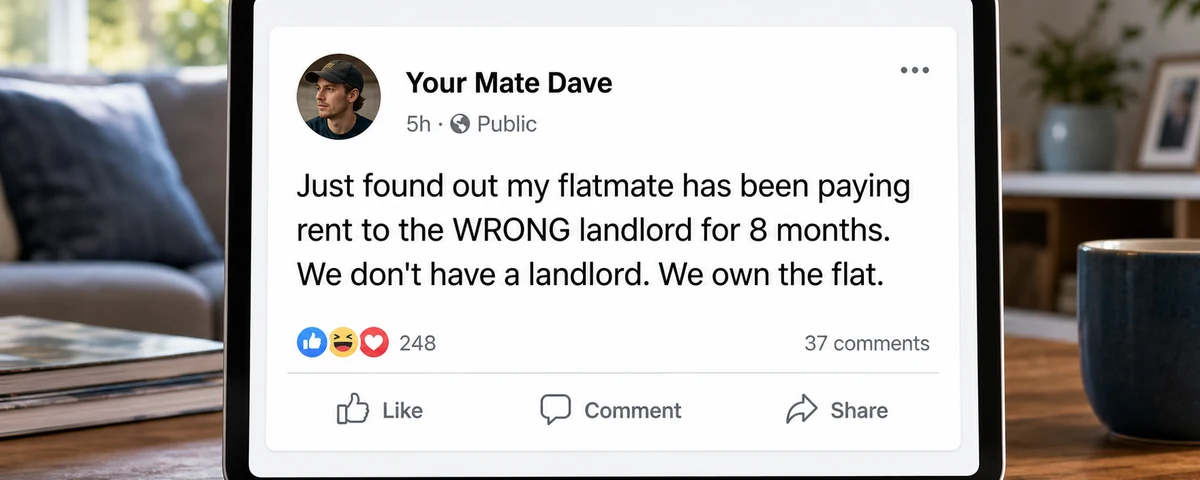
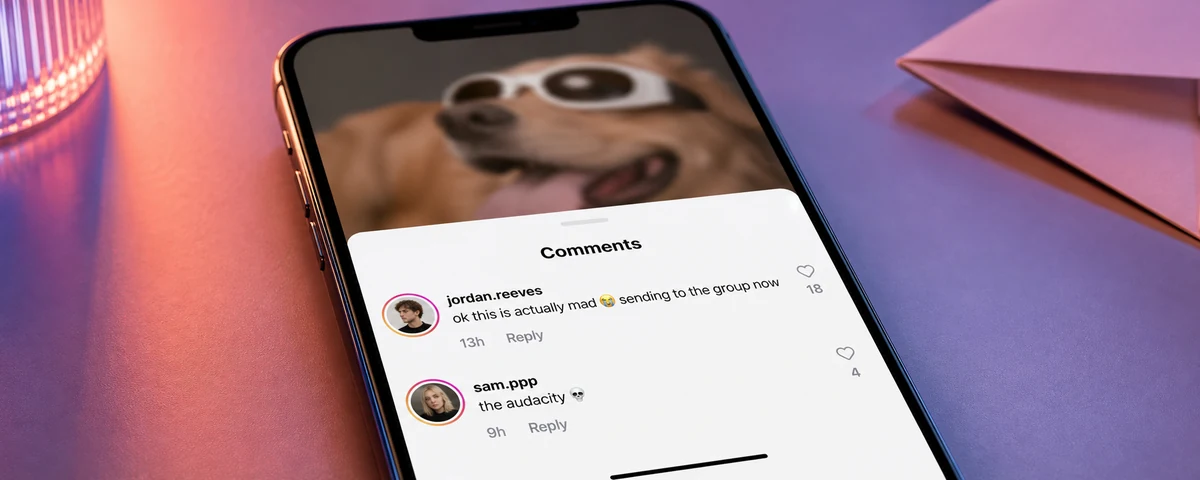
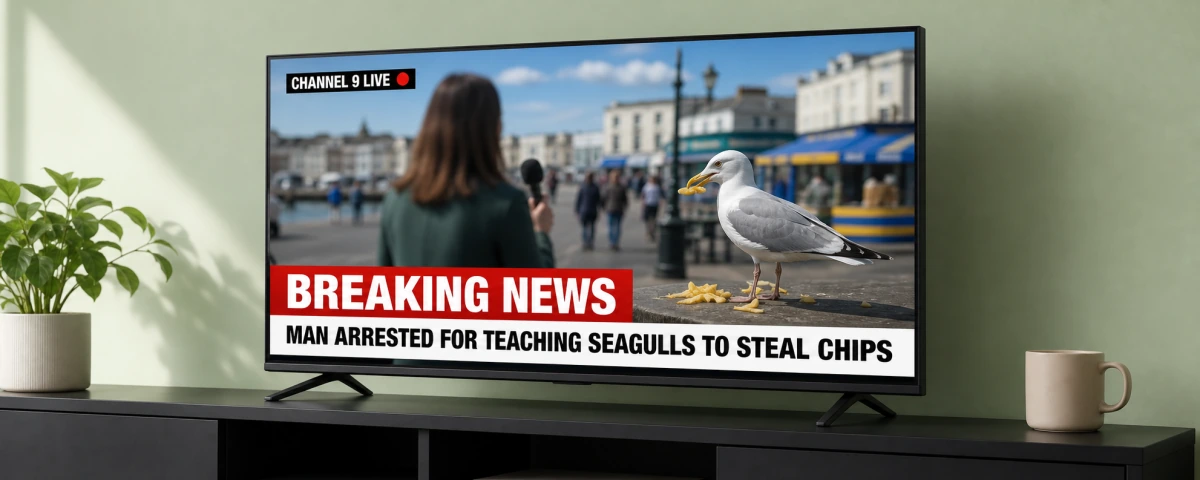
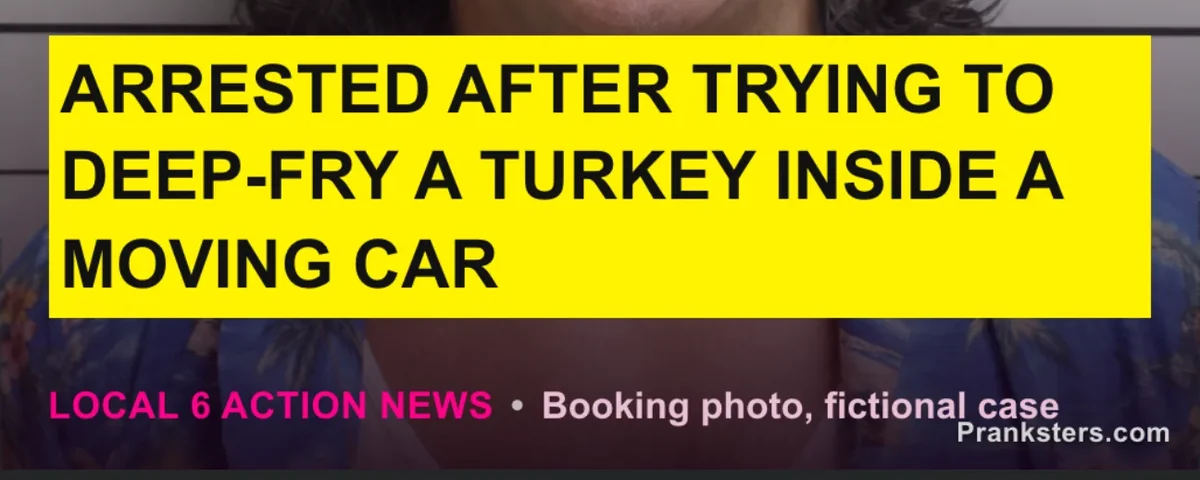
Each generator copies the look of a real app, so you can build a convincing screenshot and edit it by tapping the text. The list covers a fake text message, a WhatsApp chat, a tweet, TikTok and TikTok comments, Instagram posts, DMs and comments, Snapchat, a Facebook post, breaking news and a Florida Man headline.
How to Pick the Right Generator
Choose the generator that matches where the joke will land. A fake text suits a skit about a bad date or a group chat gone wrong. A fake tweet works for a meme or a reaction video. The comment generators make transparent stickers for reply videos. The breaking news maker suits a silly headline about your own friend group.
Tips for a Screenshot That Looks Right
Realism comes from small details. Use believable names and a natural time. Keep messages short, the way people type them. Add a reaction or a read receipt if the app has one. Download in HD so the text stays sharp when someone zooms in, or copy it straight to your clipboard to paste into a chat or an editor. Then look at it once on a phone screen, because that is how most people will see it.
Using Fake Screenshots Responsibly
Fake screenshots are for videos, memes, parody, mockups and entertainment. Make it obvious when it is a joke. Do not use one to deceive, defame, harass or hurt anyone, and do not put words in the mouth of a real person who has not agreed to the joke. Treat it like any other prop. If a friend might believe it is real and be upset by that, tell them before it goes too far.
Frequently Asked Questions
Are the fake text generators free?
Yes. You can build and download as many screenshots as you like without an account.
Is anything I type sent to a server?
The generators run in your browser, and what you type to build the screenshot stays there.
Can I download the screenshot?
Yes. Download it as an HD image, or copy it straight to your clipboard.
Can I use a fake screenshot as proof of anything?
No. These are for jokes, videos and mockups. Passing one off as real can hurt people and may break the law.
Are these generators connected to the apps they copy?
No. They imitate the look of popular apps for parody and mockups, and they are not affiliated with any of those apps.